Chapter 06 Videography
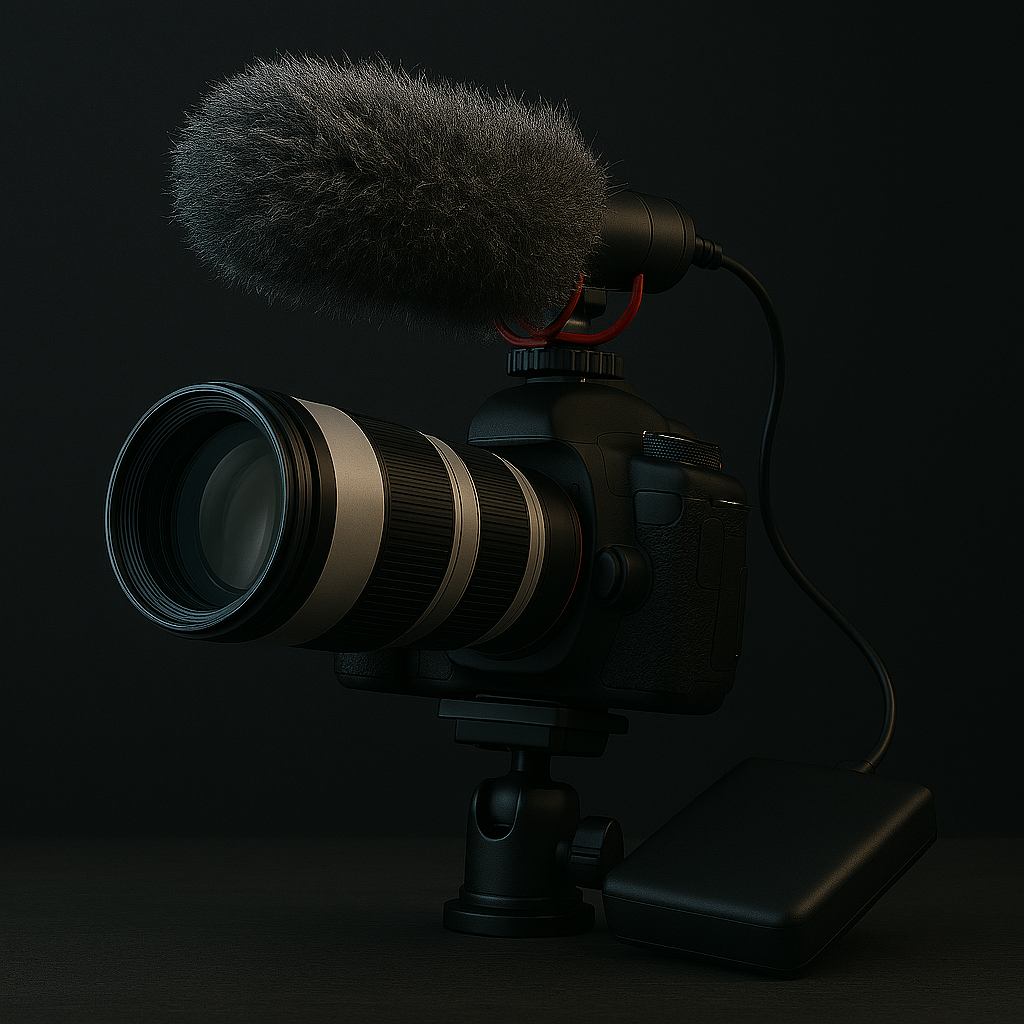
This chapter contains information about essential gear and smart workflow tips for photographers entering the world of video. If you are a photographer I assume you are going to do at least some video recording.
Videography has its own set of tools and challenges, so the aim with this chapter is to help you along the way. It tells you what gear you need, how it works together, and why workflow matters just as much as the gear itself. From capturing clean audio to stabilizing your shots, the right equipment can make a huge difference.
You don’t need a cinema rig to shoot great video. Many modern cameras, including APS-C and mirrorless models, offer good video features. But note that most photo cameras have a limitation for recording up 30 minutes of video. Modern camera can record 4K video if not higher resolution, so a video file eats memory for breakfast.
Microphones give clean audio and clean audio is everything. Built-in camera mics are rarely good enough. External microphones give you far better control and clarity. In camera mics are rarely good enough. External microphones give you control and clarity.
Different types of microphones that are used in videography:
|
Type |
Good for |
Notes |
|
Shotgun |
Interviews, directional sound |
Mounts on camera or boom pole |
|
Mosquito mic |
Dialogue, vlogs, presentations |
Clips to clothing, often wireless |
|
Stereo mic |
Ambient sound, music |
Captures wide sound field |
|
USB mic |
Voiceovers, streaming |
Connects directly to computer |
|
Smartphone mic |
Mobile shooting |
Compact, plug & play |
I have had a stereo microphone connected to a camera and it captured too much surrounding “noise” when I used to for recording video. For me a shotgun mono microphone turned out to be the best.
Popular beginner options:
Rode VideoMic GO / NTG
DJI Mic (wireless lavalier system)
One thing to mention in videography is the use of scripts. If you have planned to tell any kind of story you should definitely write some sort of script. A script makes sure everything is in proper order and that you remember everything. It is fairly annoying to do reshoots because you have forgotten to include something.
You must be fairly into dedicated into videography when buying a dedicated audio recorder, but it can be an option. Dedicated audio recorders are even better than dedicated microphones that you mount on your camera. They give you: higher quality, more control over levels and backup audio in case of camera failure.
Recommended recorders
Tascam DR05X – great for interviews and ambient sound05X / DR40X
Rode Wireless GO II – doubles as recorder and wireless mic
Lighting should also be mentioned when writing about videography. You can use LED panels (e.g. Godox, Neewer, Aputure), ring lights for vlogging or softboxes for flattering light.
Other equipment that is handy to consider
A tripod or monopod stabilizes your shots and are handy for interviews, tutorials, and static scenes.
Gimbal or stabilizer gives smooth handheld movement. These are perfect for walking shots, cinematic motion.
ND filters may be handy for controlling exposure in bright light — especially useful for outdoor video.
Headphones are needed for monitoring audio while recording. They help you catch issues early.
Backdrop or set dressing can improve visual consistency, but using this depends on what you are going to record.
Tethering cable or monitor Lets you preview shots on a larger screen — great for framing and focus.
Many videographers connects an external screen to their camera where they can see the history and such. This gives better comtrol of your image and audio quality. These screens can be between 5” and 9”. The build-in screen on cameras are normally around 3”.
Workflow in videography
A good workflow saves time, prevents mistakes, and keeps your files organized.
Example: Simple Solo Workflow
Plan your shots and script
Set up camera, mic, and lighting
Record video and audio (separately if needed)
Import footage and audio to editing software
Sync audio and video
Edit, colour grade, and export
Back up final files and project folder
After you have done your recordings, you need to edit your movies. Adobe Premiere pro (Win / Mac), Final cut pro (Mac) and DaVinci resolve (Win / Mac). Most of these costs' money, but if you want an easy-to-use alternative Microsoft Clipchamp is recommended. DaVinci Resolve comes in a free edition as well, but it is fairly advanced, so it takes some time to learn. There are lots of channels teaching it on YouTube. Links available on my page for useful links.